
This is part 5 of a series on learning the basics of using printables and how to get more out of them. In this post I will be focusing on how you can print and resize digital scrapbooking papers.
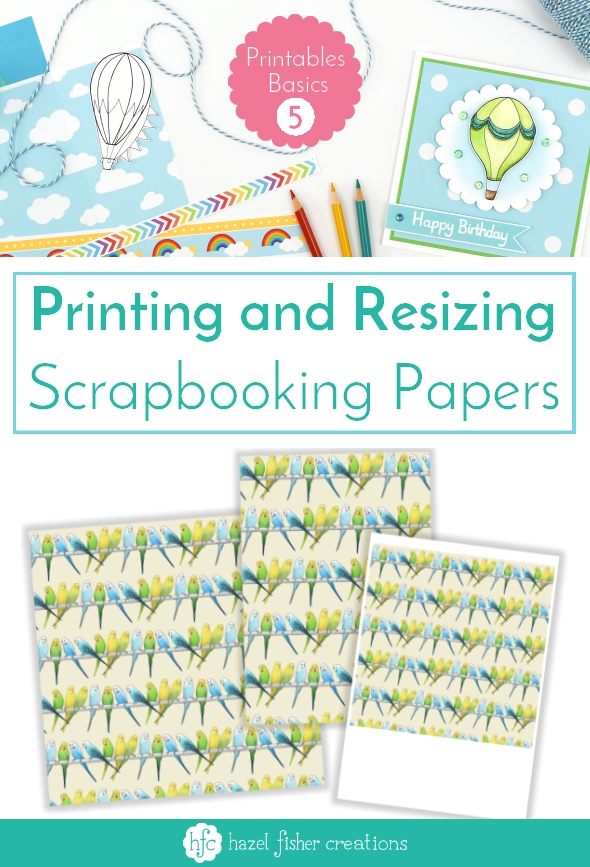
The scrapbooking papers in my shop are all sized 12 x 12 inches. This means they are great for using in 12 inch albums - to print them 12 x 12 inch size:
- You can take the files to your local professional printers to be printed 12 x 12 inch size
- They can be printed on A3+ size printers (check your model will take 12 inch wide paper)
However, if you don’t have access to a large format printer you can still use these files with your A4 / Letter size home printer.
The scrapbooking papers in my shop are all sized 12 x 12 inches. This means they are great for using in 12 inch albums - to print them 12 x 12 inch size:
- You can take the files to your local professional printers to be printed 12 x 12 inch size
- They can be printed on A3+ size printers (check your model will take 12 inch wide paper)
However, if you don’t have access to a large format printer you can still use these files with your A4 / Letter size home printer.


